Free
Core note-taking for everyone.
$0
Always free
- Unlimited local notes & edits
- All templates
- Exports (including PDF)
- Limited cloud collaboration storage
- 15 AI credits / month
InkNode pairs a unified, glass-smooth library with deep note tools—templates, PDFs, shared projects, and AI that respects your flow.
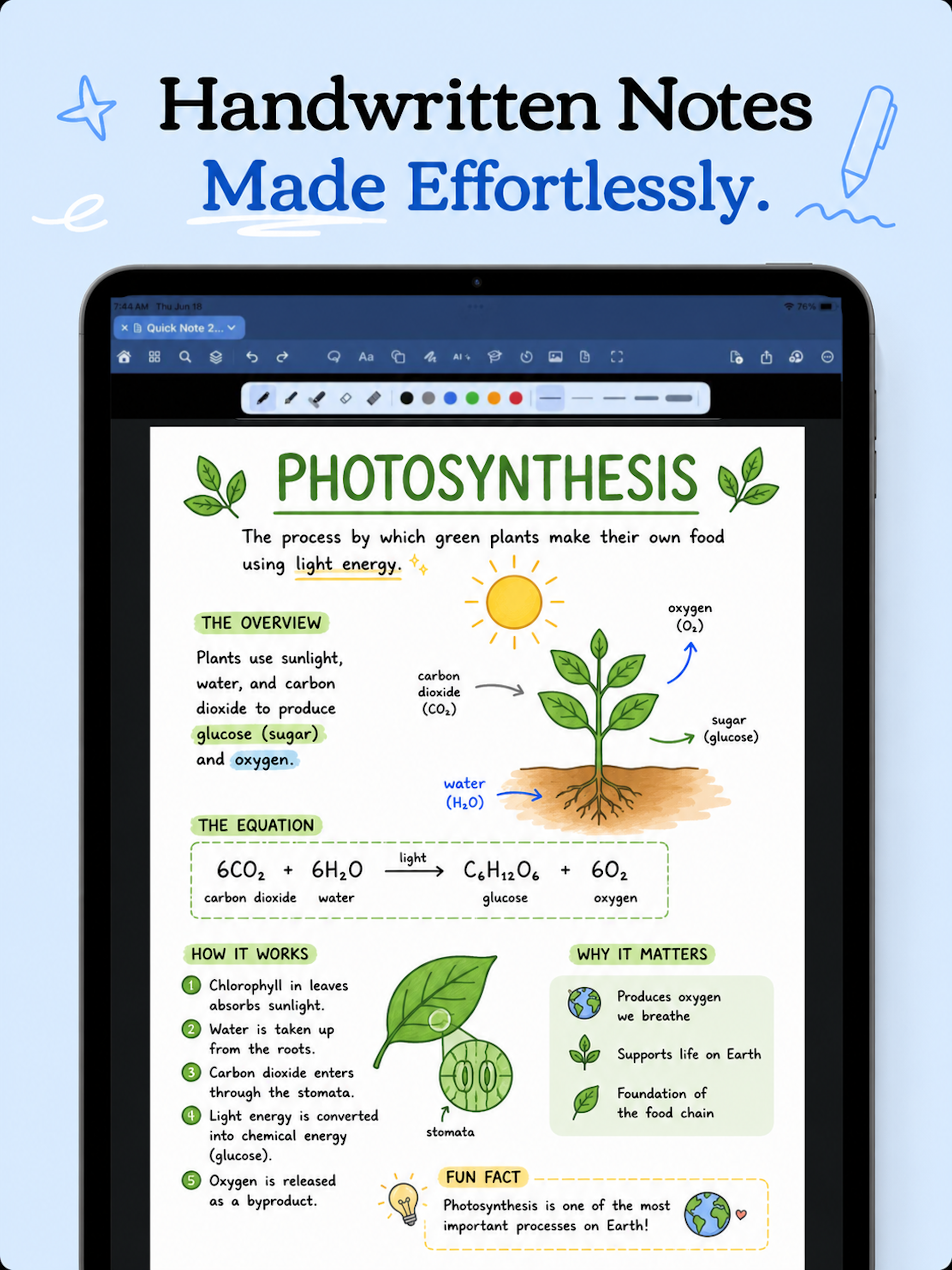
Designed to align with your thoughts. Select a feature below to preview how it looks in the app with real annotations.
Track major features, design enhancements, and release logs matching the in-app changelog.

Experience the redesigned tape tools with improved visual feedback, textures, and custom colors.
Generate interactive mathematical graphs and visual charts directly from your equations and lasso selections.
Transform your handwritten notes into beautifully polished strokes automatically or on-demand.
Redesigned AI panel lets you chat with notes, ask questions, explain equations, and perform analysis seamlessly.
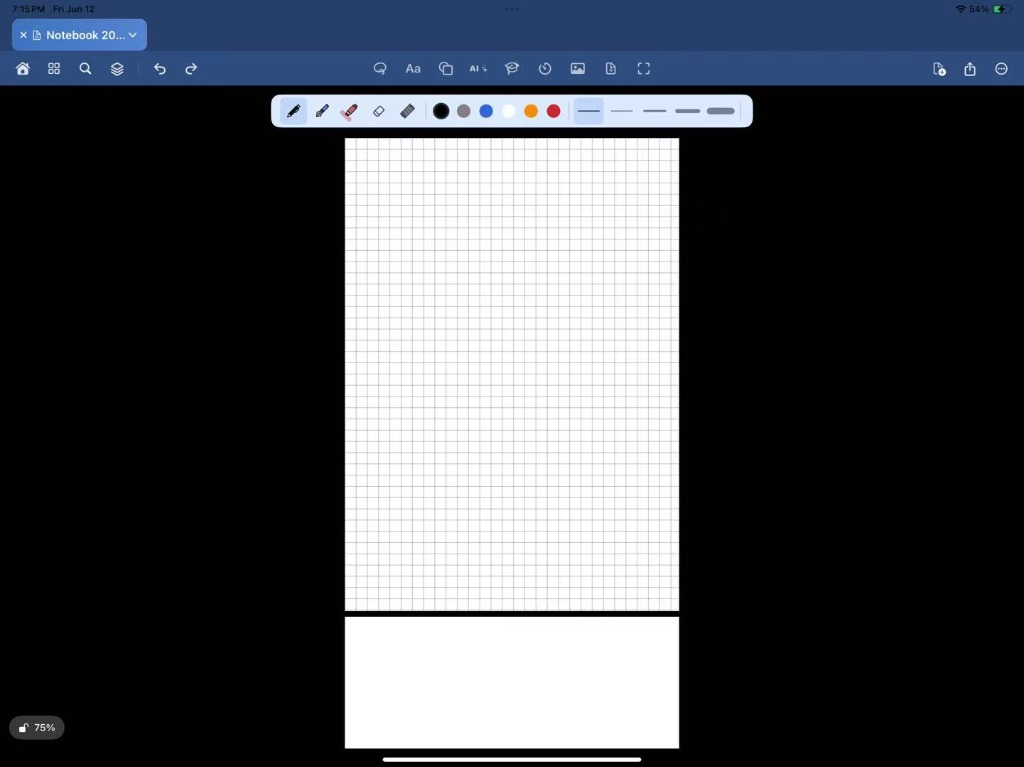
A sleek, high-contrast dark-blue canvas with a black background — now the default writing experience.
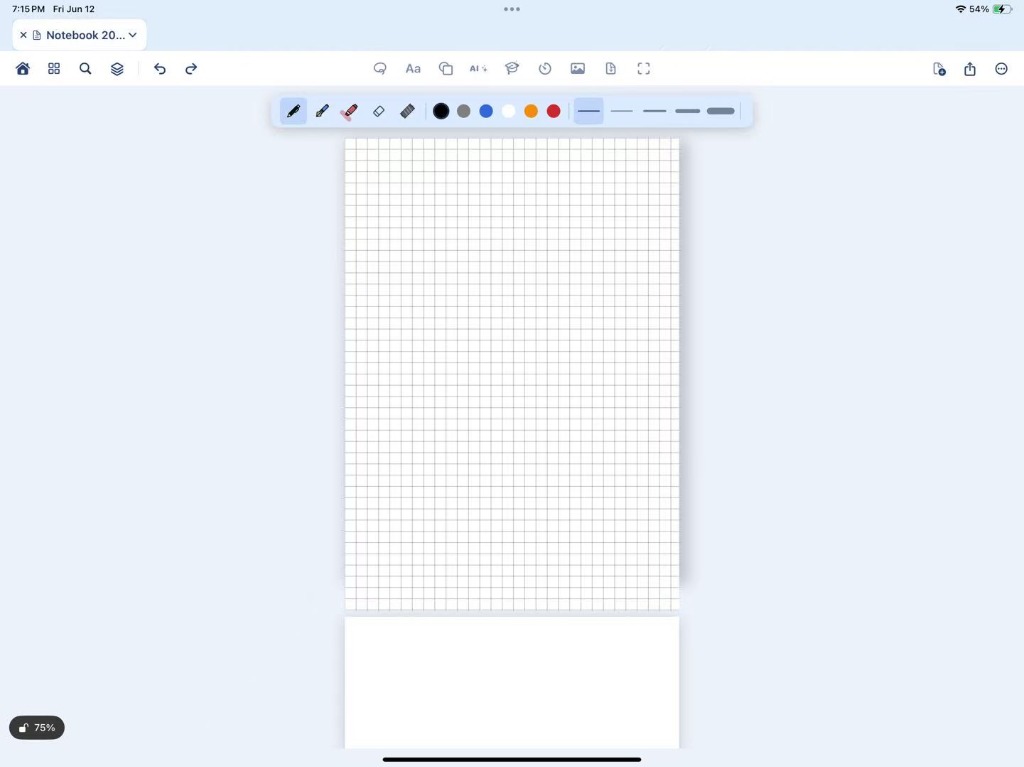
Prefer a brighter workspace? Switch to the refreshed light theme with a soft baby-blue canvas. Available in Settings.
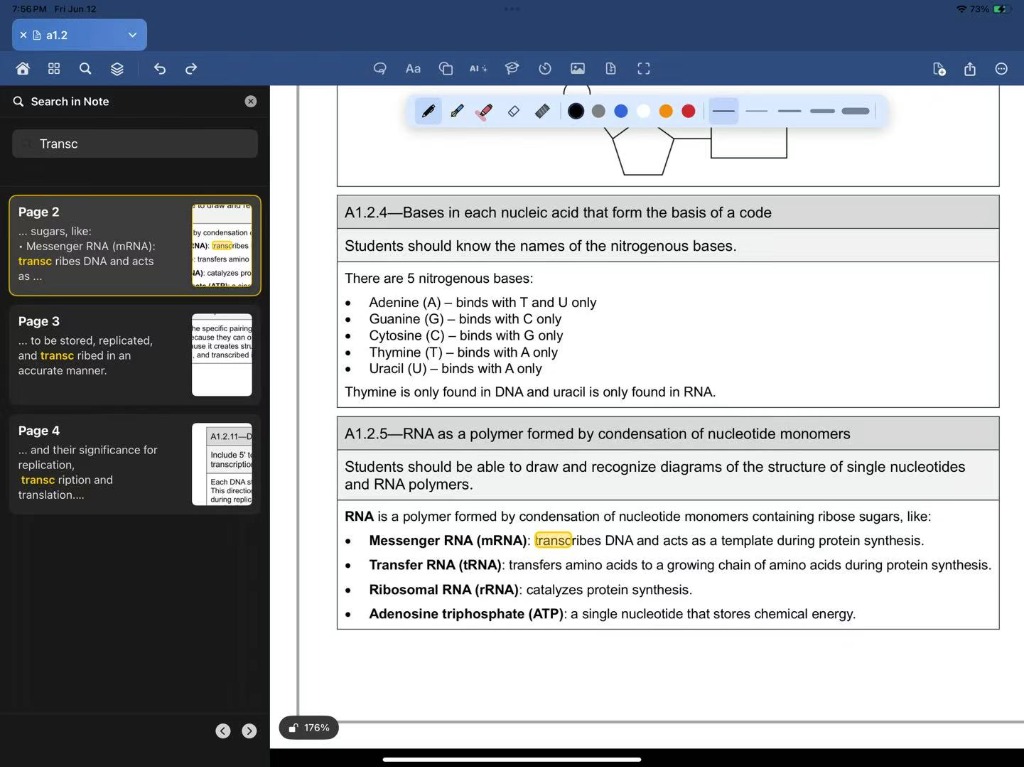
Search across all pages — works on both PDF text and handwritten content. Results jump page-by-page and every match is highlighted.
USD reference prices from the InkNode app—localized amounts and introductory offers may differ on the App Store. Manage or cancel anytime in Settings.
Core note-taking for everyone.
Unlock advanced AI power, mathematical graphing tools, and expanded cloud sync.
AI “credits” follow in-app metering (token-based). Cloud limits apply to collaboration-backed storage; local notes remain unlimited on every tier.
InkNode — made for students, with a generous free tier in 2026
| Feature |
 InkNode
|
 Goodnotes
|
 Notability
|
|
|---|---|---|---|---|
| Unlimited notebooks, notes & edits | ||||
| Export PDF, annotate PDF, merge PDF (unlimited on free) | ||||
| Pixel-level real-time collaboration (basic free usage) | ||||
| Templates & advanced tools (broad access on free) |
Download InkNode free on the App Store for iPad and iPhone. Build your perfect workspace.